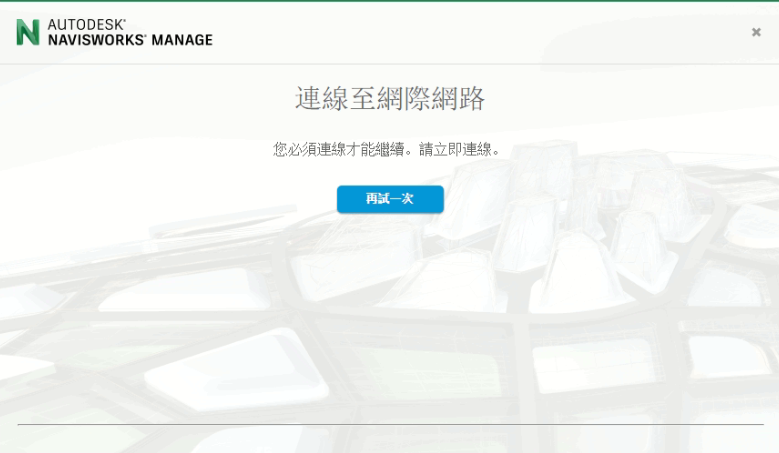
如果用戶端安裝了McAfee ePolicy Orchestrator,就有可能出現下列訊息
Establish an internet connection to continue.

解決方案:
用戶必須參考McAfee技術資料停用Host IPS功能
1. 登入 McAfee ePolicy Orchestrator server.

2. Apply the following tag to your computer: 00_DisableHIPS

3. 執行 Autodesk 產品並完成啟用程序
4. 清除標記
資料來源
https://knowledge.autodesk.com/search-r ... ption.html